Tab Previews in Firefox
With latest version of Firefox (Firefox 3.6) you can get previews of tabs while switching between them. These tab previews are just like Alt – Tab Previews in Windows. Moreover, these are having extra feature of searching between tabs too… and most importantly, you don’t have to install any extension for enabling this feature.
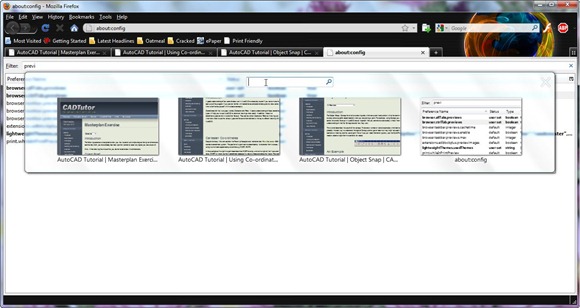
You can also get this type of previews in Firefox, by pressing Ctrl + Tab, after enabling “browser.ctrlTab.previews”, in about:config. To do this, just open about:config in your Firefox browser window, click on the button, “I’ll be careful,I promise!”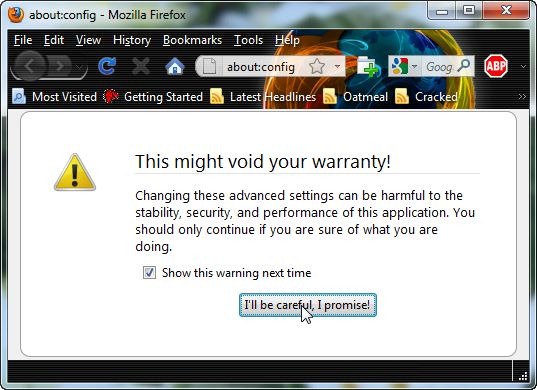
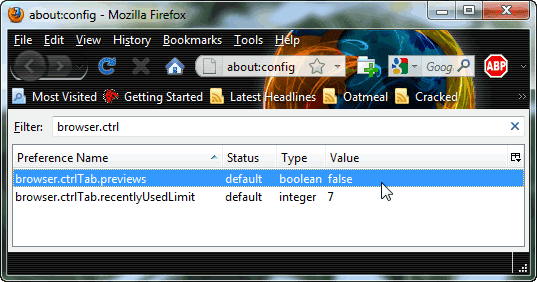
This will open Firefox configuration window, from where you can set the value of “browser.ctrlTab.previews” as true. Just type “browser.ctrlTab.previews” as filter and double click to set as true, and you are done! Give it a try by pressing Ctrl + Tab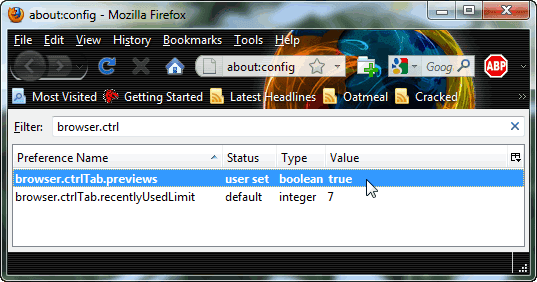
You can always set back the value to “false” if you don’t like the changes.